Deliberation Guide
Welcome to the HDTwin Deliberation application. This guide will walk you through the process of initiating a new deliberation and viewing the results.
1. Getting Started
Navigate to the application home page at https://deliberation.hdtwin.eu/.
To use the product, you need an HDTwin Panel. If you don’t have one yet, you can request a trial panel by booking a personalized demo. Click on the Get a demo panel tab to find the booking link.
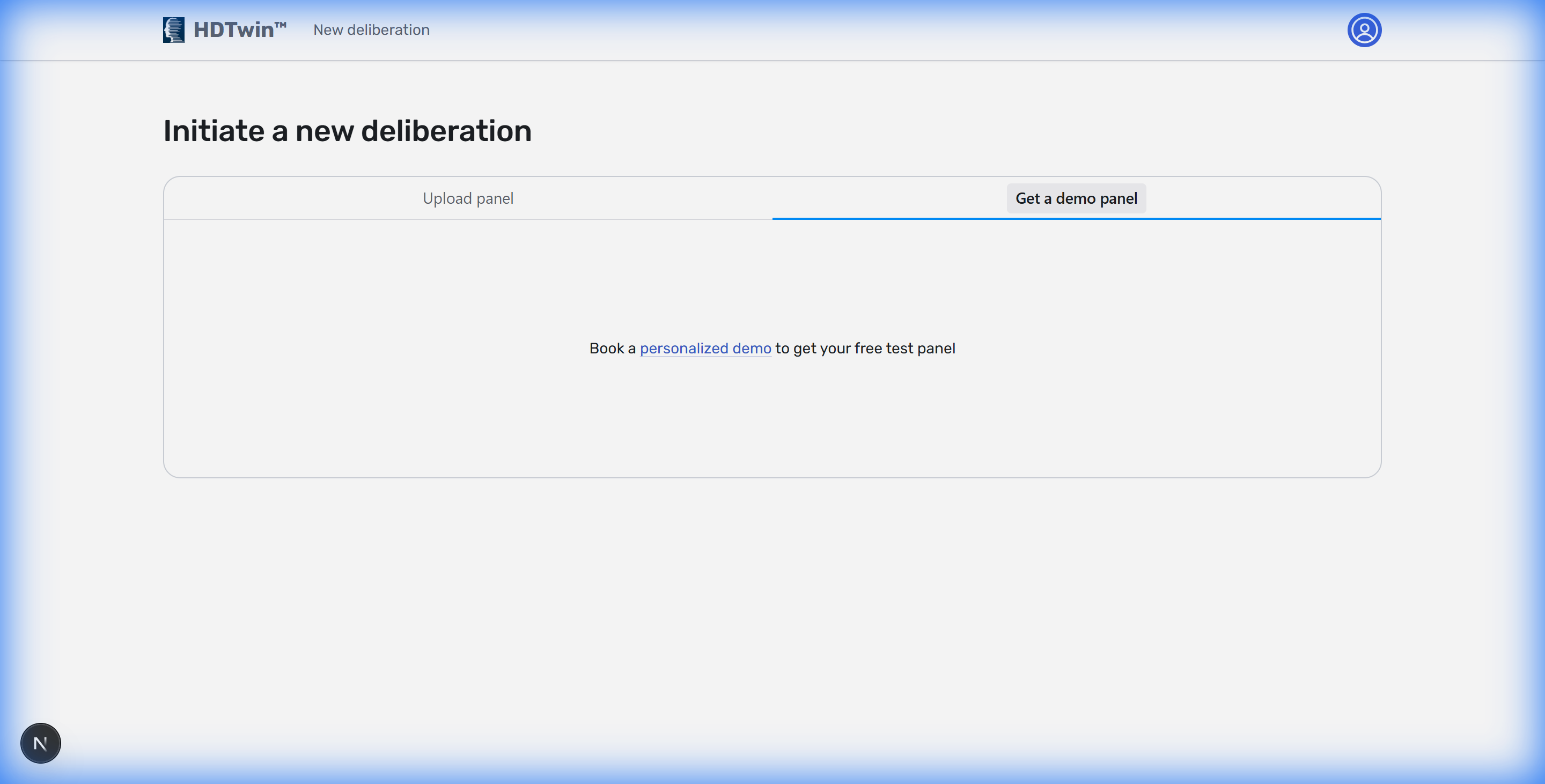 Figure 1: The landing page showing the demo panel request section.
2. Loading a Panel
Once you have your panel file (e.g., it-10a-v4.hdt), switch to the Upload panel tab and drag your file into the upload area or click to select it.
In this guide, we use an example panel consisting of 10 Italians (“10 italiani a caso”).
3. Initiating a Deliberation
After the panel is loaded, you can fill in the deliberation details. For a quick start, you can use the Example button next to the Topic Title.
Select the “De gustibus” example. This example simulates a deliberation among 10 Italians expressing their preferences on gelato flavors.
- Topic Title: De gustibus
- Topic Description: Quale gusto di gelato preferisci?
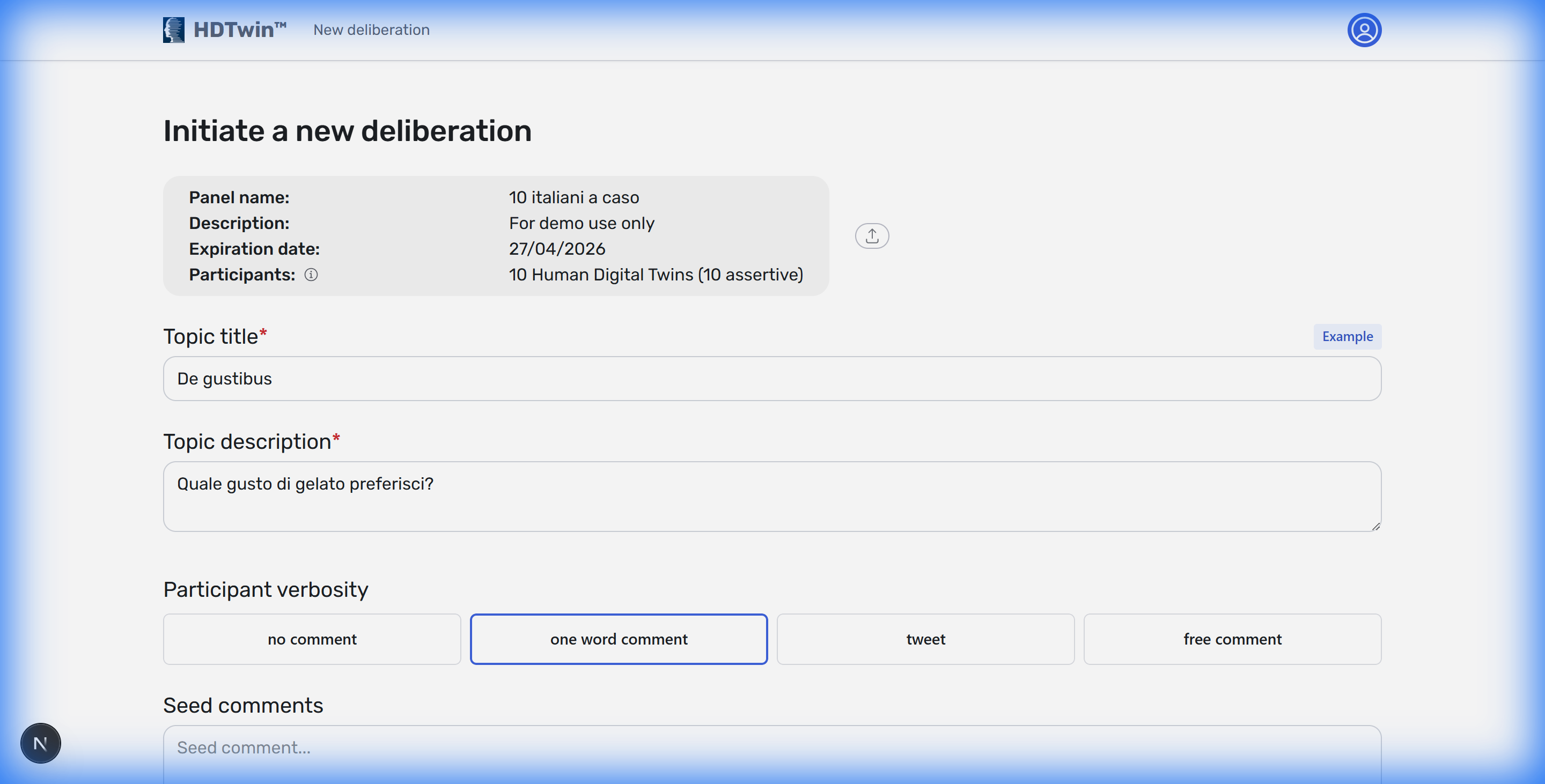 Figure 2: The deliberation form populated with the ‘De gustibus’ example.
Note that three flaws were added as seed comments. This means that the deliberation will take these flaws into account during the discussion, but others may be added by the human digital twins themselves.
Click the Let the debate begin button at the bottom of the page to start the process.
4. Monitoring Progress
Once the deliberation starts, you will be redirected to the report page. Initially, the report will be under construction.
You will see the message “Deliberation is running…” at the top. The report automatically reloads every 10 seconds to update with new votes and statements until all participants have finished.
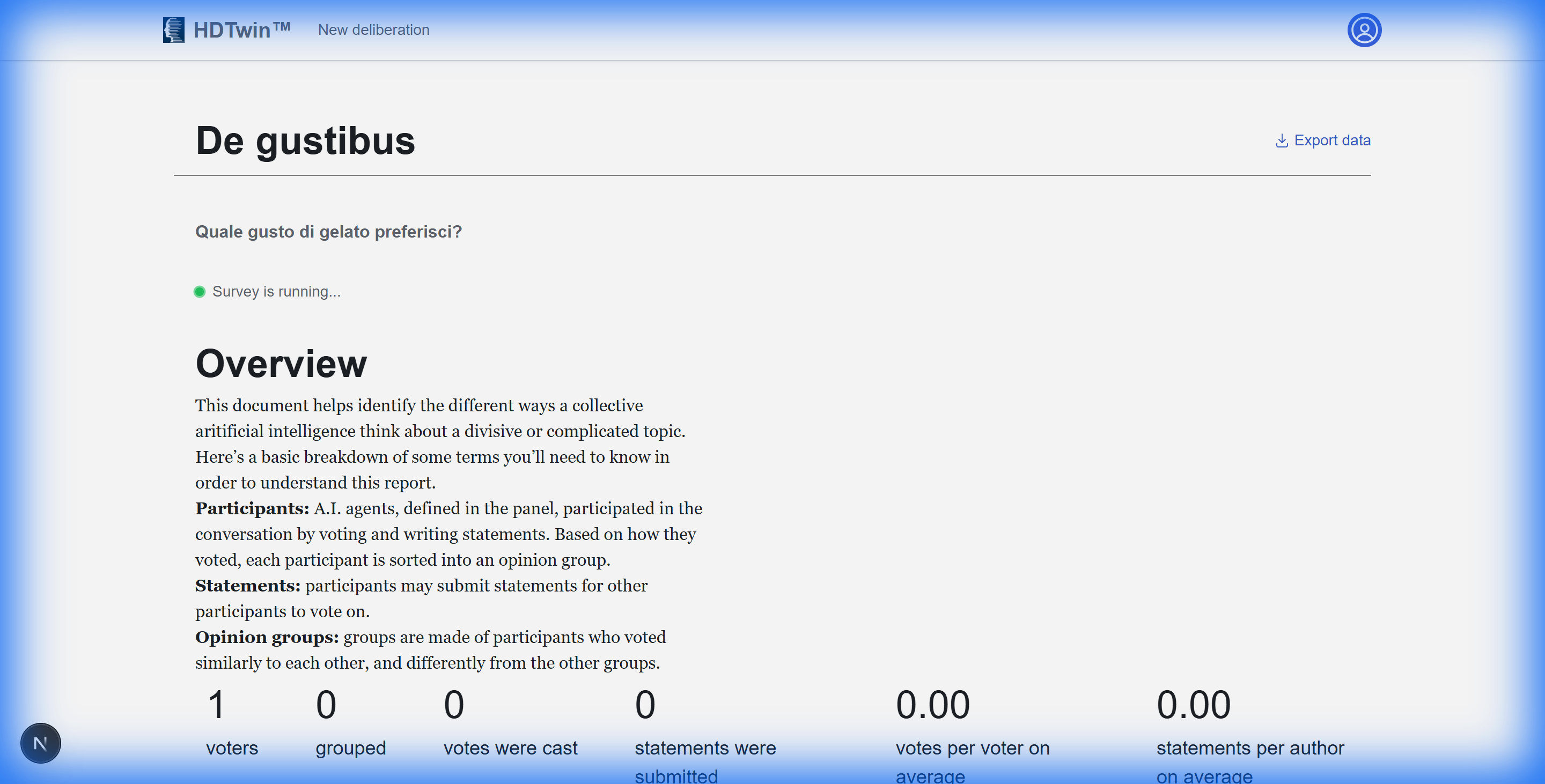 Figure 3: The report page while the survey is in progress.
5. Understanding the Report
When the “Deliberation is running…” message disappears, the deliberation is complete. The report consists of several sections:
Note
Three additional flavours were added by the Human Digital Twins in addition to the ones defined in the initial seed comments. One of the most popular flavours (stracciatella) was not in the initial list.- Overview: Summarizes total participants (voters), grouped participants, total votes cast, and statements submitted.
- Divisiveness: Analyzes how much consensus or disagreement exists within the panel regarding the topic.
- Participant Metrics: Shows average votes and statements per author, providing insights into the engagement level of your HDTwin panel.
Here you can view the resulting report printed as a PDF file
Feedback
Was this page helpful?
Glad to hear it! Please tell us how we can improve.
Sorry to hear that. Please tell us how we can improve.